

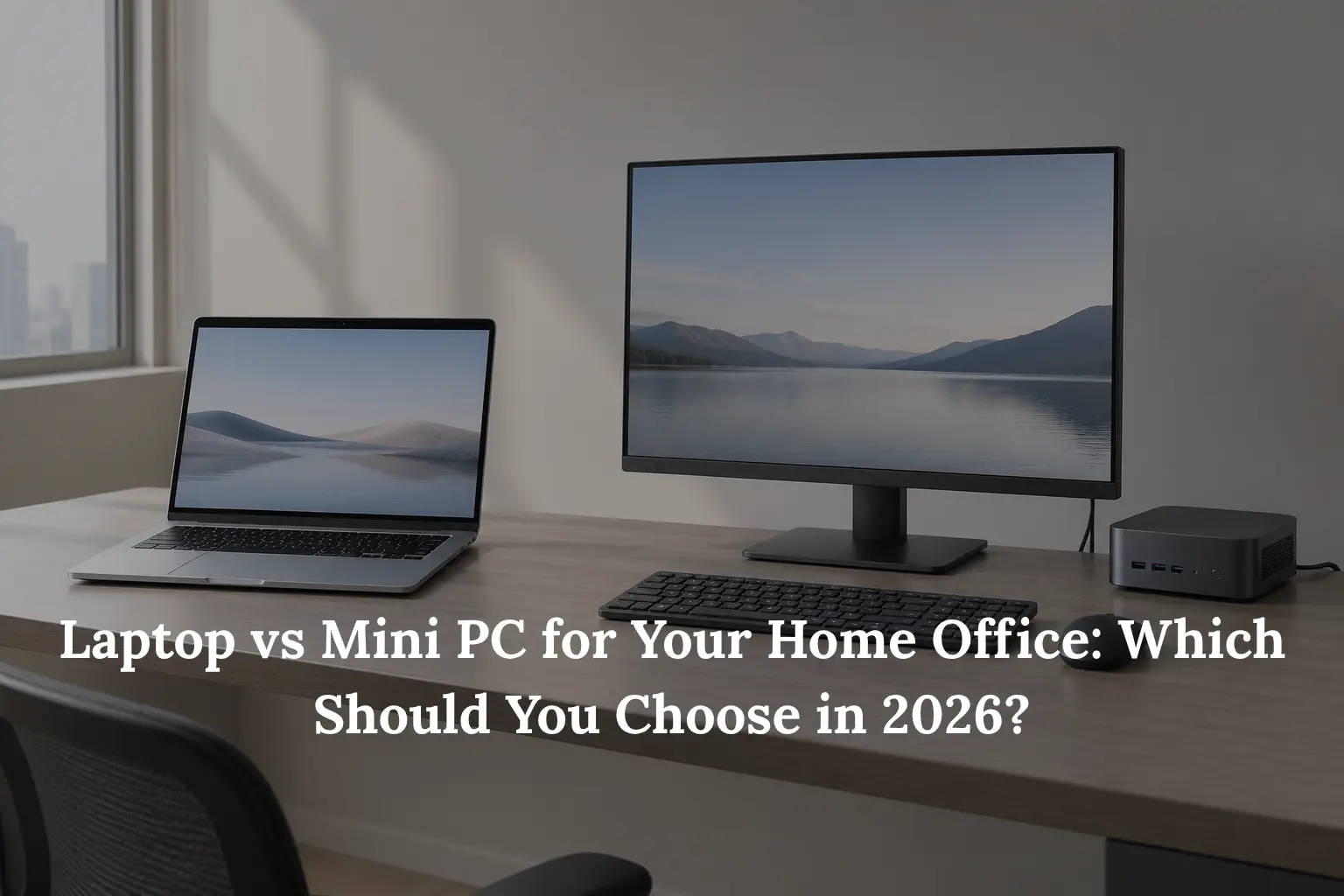
The Home Office Question That’s Gotten More Complicated
A few years ago, this choice was straightforward: laptops were flexible but compromised on power, desktops were powerful but tied to one spot. That assumption doesn’t hold as cleanly anymore. Mini PCs now deliver genuinely desktop-class performance in a footprint small enough to sit behind a monitor, and laptops have closed much of the old power gap. The result is a decision that’s actually harder to make on gut instinct than it used to be.
This isn’t a “which one wins” article. It’s a framework for weighing the trade-offs against how you actually work, because the right answer differs from one home office to the next.
What a Mini PC Actually Is (and What It Doesn’t Include)
If you haven’t shopped for one before, a mini PC is a compact desktop computer, often small enough to fit in one hand, that contains the processor, RAM, and storage but nothing else. Unlike a laptop, it has no built-in display, no keyboard, no trackpad, and no battery. It also doesn’t include a monitor, mouse, or keyboard in the box. That’s an easy detail to overlook, and it directly affects the “mini PCs are cheaper” perception: the unit itself may be inexpensive relative to its specs, but the full working setup only becomes clear once you’ve added the peripherals a laptop already includes.
The Core Trade-Offs: Portability, Performance, and Price-to-Performance
Portability: Can You Work From More Than One Place?
This is usually the single biggest deciding factor. If you regularly move between home, an office, a coworking space, or while travelling, a laptop wins decisively simply because it’s one self-contained unit you can pick up and go. A mini PC assumes a fixed desk; moving it means unplugging a monitor, keyboard, mouse, and power cable each time, which defeats the point for anyone who needs to work from more than one place.
Price-to-Performance: What You Get for the Same Budget
Mini PCs often deliver noticeably stronger CPU, RAM, and storage specifications for a given price than a laptop at the same budget, largely because the manufacturer isn’t also funding a display, a battery, and the engineering required to fit everything into a thin, portable chassis. That said, the true comparison only becomes fair once you add the cost of a monitor, keyboard, and mouse if you don’t already own them, at which point the gap narrows considerably.
Desk Space and Setup
A mini PC’s small footprint is a real advantage for a fixed desk: many models are compact enough to mount directly behind a monitor, keeping the desk surface almost entirely clear. A laptop trades that compactness for convenience; everything you need is built into one unit, with no separate peripherals required if you don’t want them.
Cooling, Noise, and Sustained Performance
For demanding, sustained work, compiling code, exporting long video files, or heavy multitasking, thermal design becomes a real differentiator. Mini PCs generally have more internal space for fans and heatsinks than a laptop’s thin chassis allows, which gives them an advantage in maintaining performance under extended heavy loads without throttling. Laptops, particularly thinner ultrabooks, are more prone to reducing performance under prolonged heavy use as internal temperatures climb. This matters more for readers doing consistently demanding work at a fixed desk than for typical browsing and document tasks.
| Trade-off | Mini PC | Laptop |
| Portability | Fixed to one desk | Works from anywhere |
| Price-to-performance | Stronger specs for the price (before peripherals) | Includes display, keyboard, battery in the price |
| Desk footprint | Very small, can mount behind a monitor | All-in-one, no separate peripherals needed |
| Sustained heavy workloads | More thermal headroom, less throttling | More prone to throttling under prolonged load |
 Upgradeability: A Factor Both Options Get Wrong Sometimes
 Upgradeability: A Factor Both Options Get Wrong Sometimes
It’s tempting to assume mini PCs are always upgradeable and laptops never are, but that’s an oversimplification on both sides. Some mini PCs use soldered memory that can’t be changed after purchase, particularly compact or budget models, while others use standard, user-replaceable RAM and storage modules. Most mini PCs on the market today do allow RAM and storage upgrades through accessible panels, though the specifics vary meaningfully by model. The same is true in reverse for laptops: many business-oriented laptops still offer upgradeable RAM and storage, even as consumer ultrabooks increasingly solder theirs. The safest approach is to check the specific model’s specifications rather than assume based on category alone.
Matching the Choice to How You Actually Work
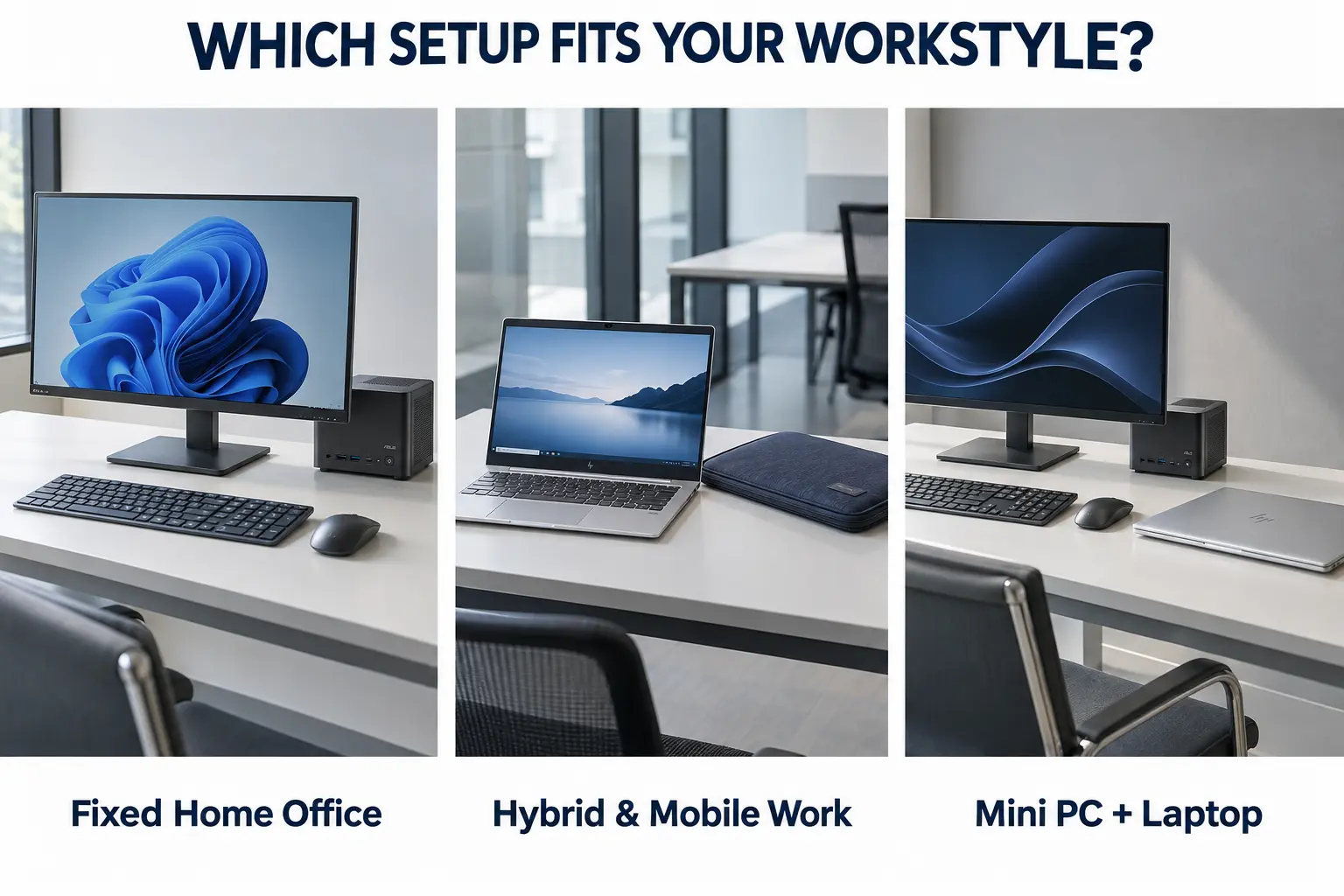
Fully Remote, One Fixed Desk
If you work from the same desk every day and don’t need to move your setup, this is the strongest case for a mini PC. You get a stable, multi-monitor-capable setup with stronger price-to-performance than an equivalent laptop, without paying for portability you won’t use.
Hybrid or Frequently Mobile Work
If you regularly need the same machine in more than one place, home, office, client site, or while travelling, a laptop remains the stronger fit. No amount of price-to-performance advantage offsets the practical cost of not being able to bring your work with you.
Multi-Monitor and Desk-Based Productivity Setups
If you’ve already invested in a larger external display, or plan to run two monitors, a mini PC pairs naturally with that setup. Its compact size and desktop-class connectivity make it a strong match for readers building out an ergonomic, desk-based workspace.
Occasional Gaming or AI/Local Workloads Alongside Work
Worth a brief mention: some mini PCs now support dedicated graphics cards or are positioned specifically for AI-related workloads, which is relevant if your home office setup doubles as a gaming or hobbyist machine outside of work hours. This is a narrower use case and not the focus here, but it’s a genuine factor for some readers weighing the same decision.
Can You Just Get Both?
For readers whose budget allows it, this is a genuinely common and sensible resolution: a mini PC at the fixed desk for day-to-day work, paired with a lighter, less powerful laptop for the times you need to be mobile. This isn’t a compromise or an upsell. It’s simply recognising that portability and sustained desk performance are different needs, and some people are better served by not forcing one device to do both jobs.
Making the Decision
Pulling the trade-offs together: if you work from a fixed desk and want the strongest performance for your budget, a mini PC is generally the better fit. If you need the same machine to work reliably in more than one location, a laptop remains the more practical choice, regardless of the performance gap. Compact desktop systems, including ABEX’s own Mini PC line, are often positioned for combined work, gaming, and AI use, reflecting how multi-purpose this category has become for a fixed-desk setup.
Conclusion
Neither a mini PC nor a laptop is universally the better choice; the right answer depends on where and how you actually work, not on specs alone. If you take one thing from this framework, let it be this: weigh portability against price-to-performance and desk-based sustained performance honestly, based on your own routine, and the decision becomes a lot more straightforward than the spec sheets alone make it look.