


Quick Summary: Best Laptops for Programming in Singapore (2026)
If you need a professional development machine today, these are the top 3 picks available in Singapore based on performance, local support, and 2026 technical requirements.
| Category | Recommended Model | Key Specs (2026 Std) | Est. Price (SGD) |
| Best Overall (Mac) | MacBook Pro 14” (M5 Chip) | 12-Core CPU, 24GB RAM, 512GB SSD | From $2,199 |
| Best Overall (Windows) | Lenovo Yoga 9i Aura Edition | Intel Core Ultra 7, 32GB RAM, 1TB SSD | From $2,450 |
| Best Local Value | ABEX Zenith Series | Intel Core i9, 32GB RAM (Upgradable), 1TB SSD | From $1,550 |
Why Choosing the Right Laptop for Programming in 2026 Matters More Than Ever
Programming Workloads Have Evolved
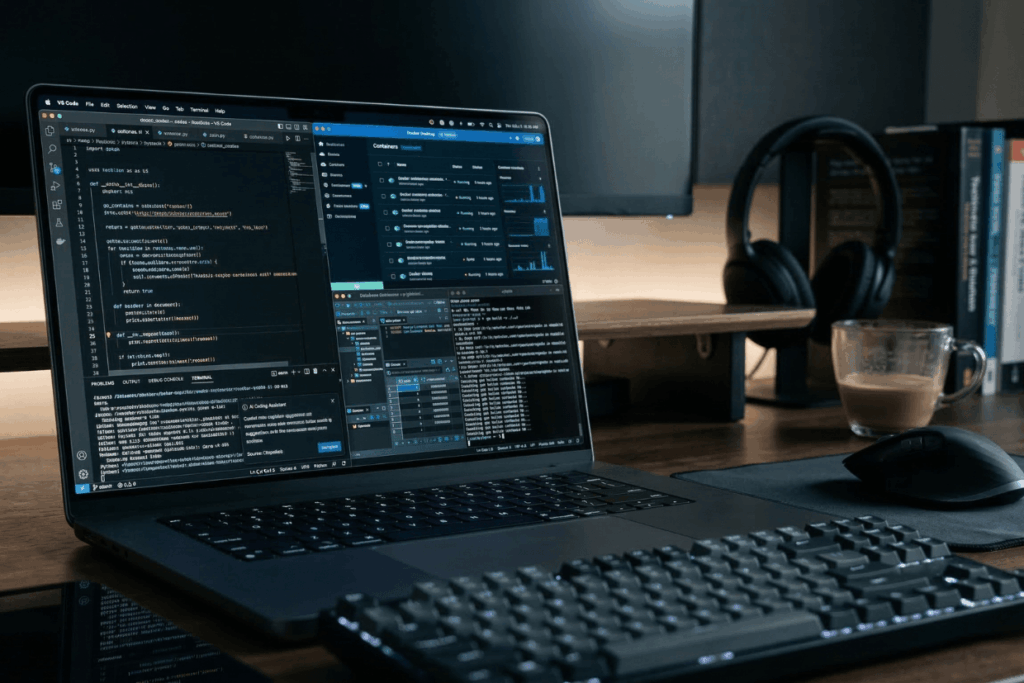
Modern development is heavier than ever. AI-assisted tools integrate directly into IDEs, increasing system demands. Full-stack development means running database services, API servers, and containerized environments simultaneously. Heavy IDEs with real-time indexing consume significant RAM and CPU. These are now standard workloads.
The Cost of Choosing the Wrong Laptop
The wrong choice compounds daily. Slow compile times waste hours yearly. Overheating during builds throttles performance mid-deadline. Battery draining disrupts workflow. Unlike consumer laptops, developer machines have few upgrade paths; what you buy determines your ceiling for 2–3 years.
Unique Considerations in Singapore
Singapore’s humid climate accelerates thermal stress and corrosion on poorly-designed laptops. The commuter lifestyle means portability matters, your development machine might live in your bag, traveling between office, home, and coffee shops. Expectations here are high; developers compare price-to-performance ruthlessly and expect both performance and reliability.
What Makes a Laptop Truly Suitable for Programming?
Processor (CPU): The Core of Development Performance
Why Multi-Core Performance Matters
Compiling large codebases is inherently parallel. Modern C++ projects, Android builds, and Rust compilations leverage all available cores. Running virtual machines and Docker containers simultaneously multiplies your CPU demand. Parallel testing environments spawn dozens of processes at once. A quad-core chip bottlenecks; eight cores is practical; twelve+ cores future-proofs.
Recommended CPU Tier (2026 Standard)
Mid-range chips (Intel Core i7/i9, AMD Ryzen 5/7) deliver real value for developers. These typically offer 8–10 cores with strong single-thread performance. Ultra-low power CPUs (like some in ultra-thin laptops) lack the multi-core grunt needed for serious development, avoid them despite the portability appeal.
RAM: The Real Bottleneck for Developers
Minimum vs Recommended RAM
8GB is theoretical entry-level, realistic only for basic frontend work. 16GB is the comfortable professional baseline; it handles simultaneous IDEs, browsers with 20+ tabs, Docker containers, and database services. 32GB is necessary for AI/ML workloads, heavy data processing, or developers who habitually keep everything open.
Why Upgradeability Is Important
Check if your laptop’s RAM is upgradeable before buying. Many thin models solder RAM directly to the motherboard, making upgrades impossible. A laptop with upgradeable RAM future-proofs your purchase; you can move from 16GB to 32GB in two years if needed.
Storage: SSD Speed Impacts Developer Productivity
NVMe vs SATA SSD
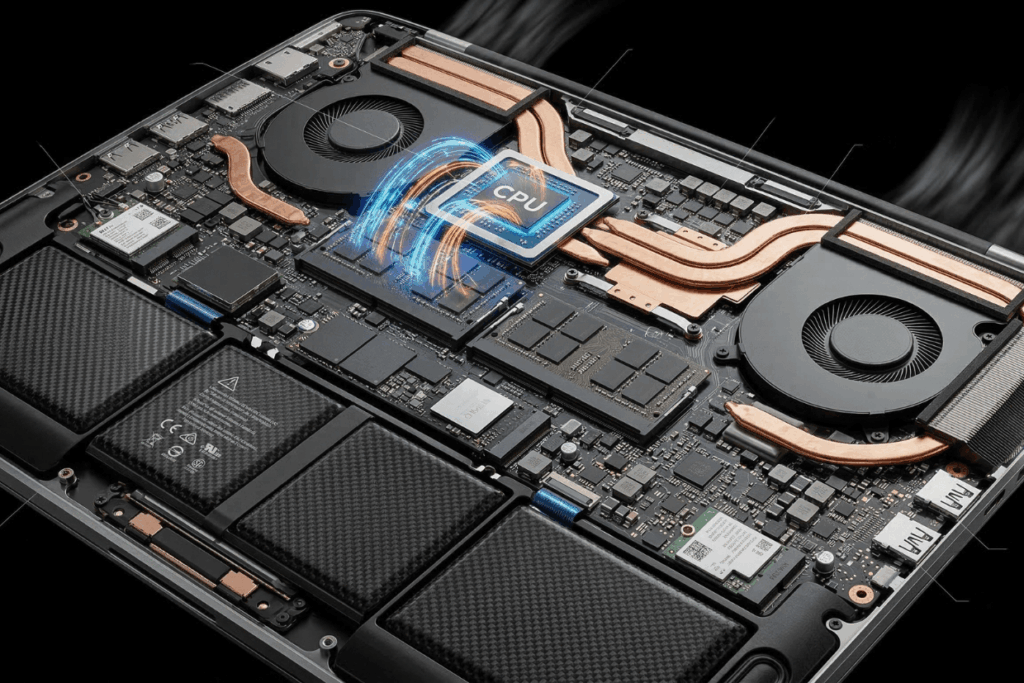
NVMe SSDs are now standard on modern laptops. They’re dramatically faster than older SATA SSDs, meaning IDE project indexing completes in seconds instead of minutes. Faster SSDs reduce IDE loading times and git operations noticeably. For a developer working 8 hours daily, this compresses to real time savings.
Recommended Storage Capacity for Different Developer Types
Frontend developers with lightweight projects manage 512GB. Backend and full-stack developers juggling multiple codebases, databases, and Docker images need 1TB minimum, larger codebases and containerized services consume space rapidly. Data engineers working with large datasets benefit from 1–2TB.
Display & Ergonomics: Often Overlooked but Critical
Screen Size and Resolution
A 13″ laptop is portable but cramped for sustained coding. A 15″ provides real workspace. Full HD suffices for basic work; 1440p+ helps you see more code simultaneously.
Keyboard Quality
You’ll type thousands of characters daily. Poor keyboards destroy hand comfort. Test keyboards in person; mechanical switches and good key travel matter most.
Eye Strain & Blue Light Considerations
Screen brightness and anti-glare coatings reduce fatigue during full-day coding.
Battery Life for Developers on the Move
Eight-hour battery life handles a full workday away from outlets. Developer lifestyle, offices, home, co-working spaces, requires reliable battery performance.
Best Laptops for Programming in Singapore (2026 Categories)
Best Budget Laptops for Programming (Students & Beginners)
Mid-tier CPU (Intel i5/AMD Ryzen 5), 16GB RAM (ideally upgradeable), 512GB NVMe SSD handles basic development and learning. Trade-offs: average display brightness, plastic build, moderate thermal design. Accept these for price savings.
Best Mid-Range Laptops for Professional Developers
Intel i7/AMD Ryzen 7, 16–32GB RAM, 1TB NVMe SSD. This balances performance, reliability, and cost, the sweet spot for most developers. Thermal design improves, keyboards feel better, build quality becomes noticeably more robust.
Best High-Performance Laptops for Advanced Workloads
For AI/ML engineers, game developers, and heavy containerized workloads. Integrated graphics (Intel Iris Xe, AMD Radeon) handle most development. Dedicated GPUs (NVIDIA RTX) are necessary only for machine learning training and 3D rendering.
macOS vs Windows vs Linux for Programming in 2026
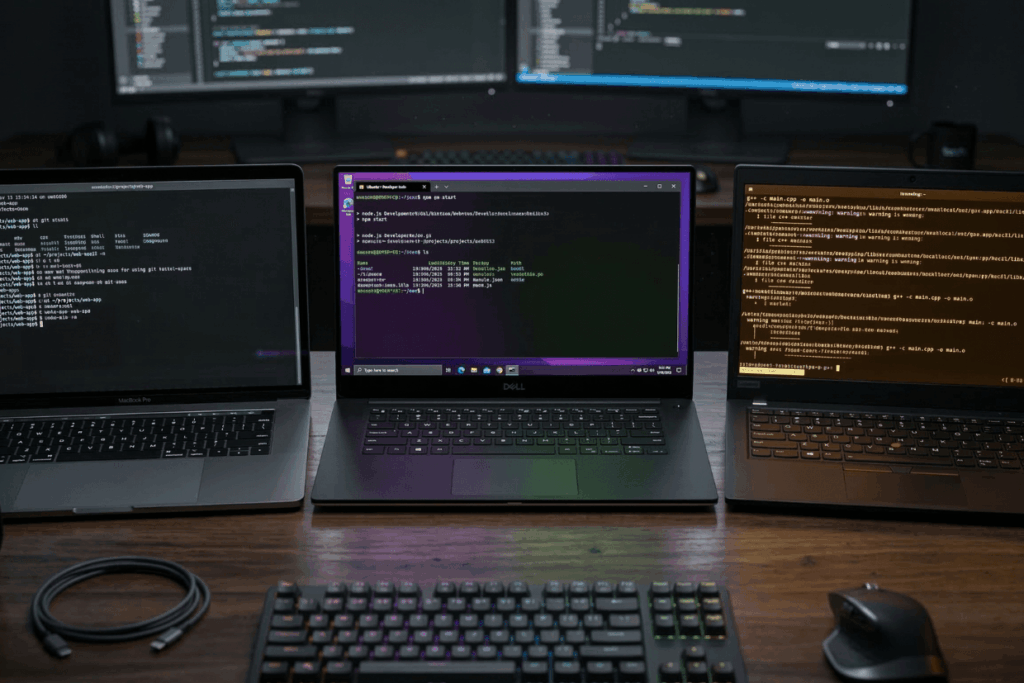
macOS offers a Unix-based environment and strong iOS development ecosystem. The cost is high but the ecosystem is cohesive.
Windows provides enterprise compatibility and broader hardware flexibility. WSL2 Linux integration has matured significantly.
Linux-Based Setups deliver maximum customization for developers valuing control. Requires command-line comfort but rewards with optimization.
Singapore-Specific Buying Considerations
Warranty and Local Service Availability – Accessible repair centers matter. Research local support before buying; some devices have week-long repair queues.
Refurbished vs Brand-New Laptops – Refurbished costs 30–40% less but carries lifespan risk. Battery health degrades; inspect certificates. For professional work, new is safer.
Climate & Hardware Maintenance – Singapore’s humidity accelerates thermal stress and corrosion. Thermal design quality directly impacts longevity. Clean vents monthly. Consider warranty as climate insurance.
Laptop Specs by Programming Role (2026 Baseline)
| Role | CPU Tier | RAM | SSD | GPU | Priority |
| Frontend Developer | Mid (i5/Ryzen 5) | 16GB | 512GB | Integrated | Portability, battery life |
| Backend Developer | High (i7/Ryzen 7) | 16–32GB | 1TB | Integrated | Multi-core, Docker support |
| Mobile App Developer | High (i7/Ryzen 7) | 16GB+ | 512GB | Integrated | Emulator performance, RAM |
| Data Scientist | High (i7/Ryzen 7) | 32GB+ | 1TB | Dedicated (RTX preferred) | GPU, RAM, thermal design |
| CS Student | Mid (i5/Ryzen 5) | 16GB | 512GB | Integrated | Budget, upgradeability |
Common Mistakes Developers Make When Buying Laptops
Overprioritizing GPU for non-graphic work. Ignoring RAM upgradeability (soldered RAM locks initial choice). Choosing ultra-thin models with poor thermal design. Buying based on brand instead of specifications.
How to Match Laptop Specs to Your Programming Role
Frontend Developer: 16GB RAM, mid-range CPU. Display quality matters; thermal design is less critical.
Backend Developer: 32GB RAM, multi-core CPU. Thermal design is crucial for sustained builds.
Mobile App Developer: 16–32GB RAM. Emulator performance depends on CPU and RAM.
Data Scientist: 32GB+ RAM, dedicated GPU essential. Thermal design is critical during training.
CS Student: Budget-conscious. Prioritize upgradeability and future-proofing.
Future-Proofing Your Laptop Purchase (2026–2029 Outlook)
Rise of AI Development Tools – Claude, Copilot, and similar tools embed in IDEs, increasing RAM demand. AI model fine-tuning edges toward local GPU usage. Budget 32GB RAM for future comfort.
Increasing Memory Requirements – Complex projects with containerization and multi-service setups need more RAM yearly. Upgradeability is your hedge against this trend.
Growing Use of Containerization – Docker and Kubernetes shift workloads toward container-first development. Multi-core CPUs matter more; local GPU acceleration is increasingly valuable.
Importance of Thunderbolt / High-Speed Ports – External GPUs and high-speed storage docks become viable through USB-C. Ensure your laptop has modern, high-speed ports.
A Step-by-Step Framework to Choose the Right Laptop for Programming
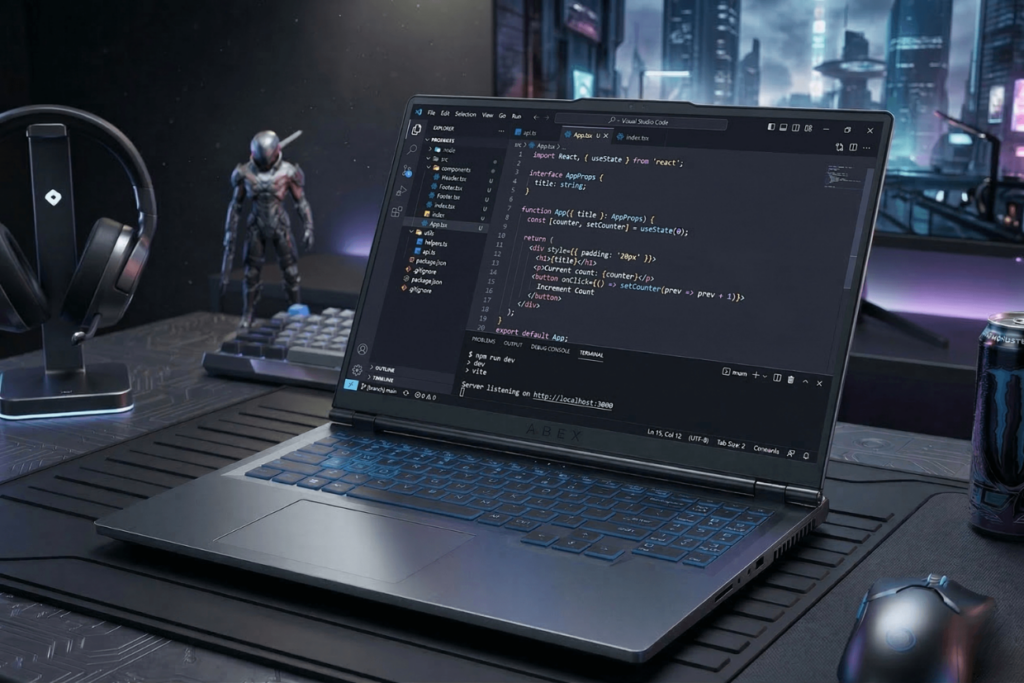
Step 1 – Define Your Programming Use Case
What’s your primary work? Frontend, backend, AI/ML, mobile? Edge cases change requirements significantly.
Step 2 – Determine Minimum RAM & CPU Requirements
Use the role-based table above. Add one tier for safety; what seems sufficient today will feel tight in 18 months.
Step 3 – Decide on OS Ecosystem
macOS for iOS work and Unix preference, Windows for enterprise flexibility, Linux for maximum control.
Step 4 – Balance Portability vs Performance
A 13″ ultra-thin is attractive but trades thermal design. A 15″ with good cooling is heavier but more practical for sustained work.
Step 5 – Evaluate Warranty & Service Support
Check repair turnaround times in Singapore. Build cost into your decision; warranty doesn’t matter if repairs take weeks.
Conclusion: Choosing the Best Laptops for Programming in Singapore in 2026
The best laptop for programming is determined by workload, not brand prestige. 16GB RAM is now the realistic baseline for serious development; 32GB is increasingly standard for heavy workloads.
CPU multi-core performance directly affects compile times and your ability to run simultaneous services. Thermal design and keyboard comfort impact long-term productivity more than raw specifications. Developers in Singapore should explicitly factor climate resilience, portability needs, and local service support into decisions.
A structured evaluation framework, defining your use case, checking the specs table, and honestly assessing your budget, prevents both overspending on features you won’t use and under-specifying yourself into compromise. Your laptop is the tool you’ll touch thousands of times yearly; investing thoughtfully returns productivity dividends across years.